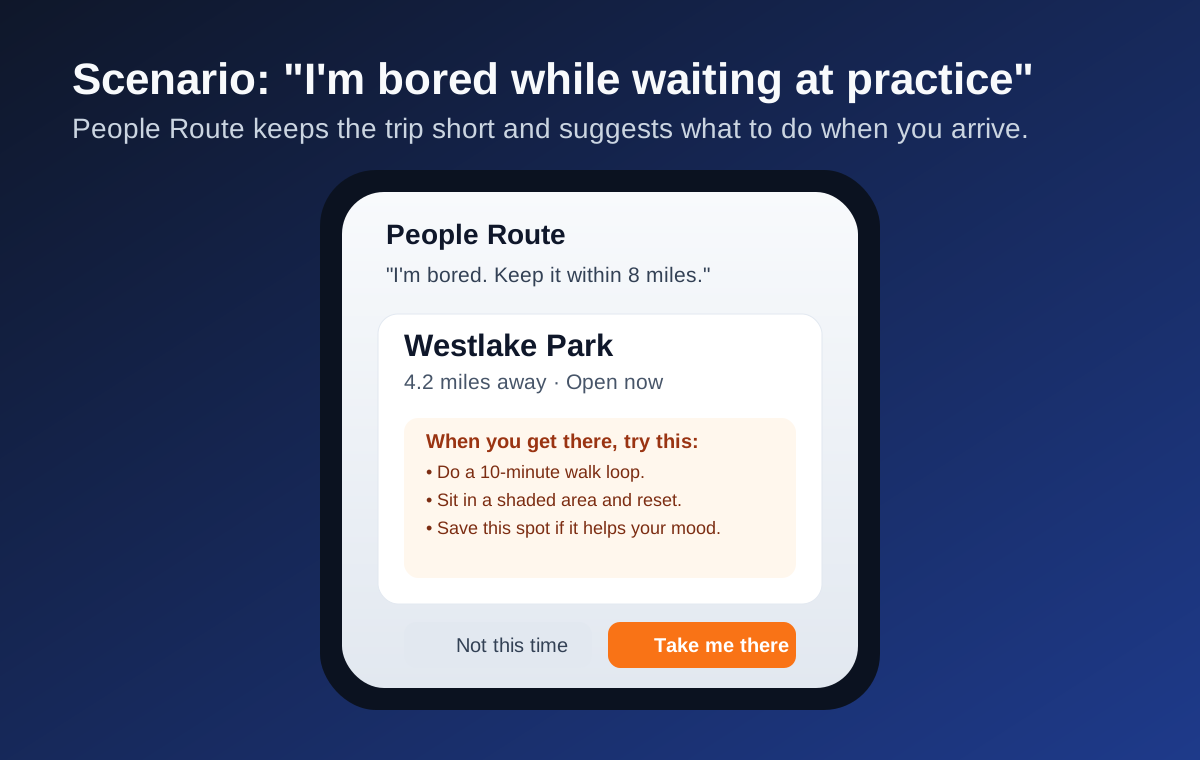
Bored while waiting? It keeps the trip short.
People Route can keep results local, then tell users what to do on arrival so the suggestion feels practical, not random.
Available on iPhone
Tell People Route what you need, want, or feel. It finds a realistic destination that fits your moment, checks timing, and gives a practical next move when you arrive.
People Route is designed for users age 13 and older.
What People Route does
No browsing, no scrolling, no decision fatigue. Just tell People Route what you want and it handles the rest.
Tap the mic, say what you need — "find me a cozy café" or "I want BBQ tonight" — and People Route gets to work instantly.
No typing needed. Add a photo and People Route can infer what kind of adventure fits the moment — including outfit and scene cues when text is empty.
Each suggestion card now includes "When you get there, try this" with practical activities tailored to the place type (park, library, worship, museum, food, and more).
Feeling spontaneous? Ask for a surprise and People Route picks something great that fits your interests — you won't know where until you tap Accept.
Use one-tap actions like "I'm feeling sad," "I need excitement," "I'm brokenhearted," or "I'm hungry" to get context-aware destination ideas fast.
Choose when you're usually free, and People Route can send a gentle suggestion every 3 days. You can turn it off anytime in Settings.
Save multiple home locations and choose your active one. People Route opens navigation to that selected home instantly.
From any destination card, launch Uber or Lyft with the address prefilled, or copy the destination address in one tap.
People Route understands requests like "I need a job," "I need a haircut," "I need a doctor," "I need a new house," or "I need fuel," and routes to relevant open places.
If there's a severe alert in your area, People Route lets you know before you head out. Rain and extreme temperatures are flagged too.
Take me there logs to History automatically. Saved stays curated: use Save for later (or manual add) for places you truly want to keep.
Long-press app icon shortcuts rotate from your usage. Surprise Me and Take Me Home are always pinned for fast access.
Chat with AI about your own saved places. "Where have I been that serves outdoor seating?" — instant answers from your personal history.
Compare history snapshots with multiple friends to find shared places and discover spots they visited that you have not tried yet.
Generate and edit a social-ready story from your visit, then share via iOS share sheet (Facebook, X/Twitter, Instagram, or any available target).
Your data lives on your device. No accounts, no tracking, and no uploading your location history to any server. People Route uses your location only when you request an adventure or route, not as continuous background tracking.
If high-risk self-harm language is detected, People Route shifts to emergency support guidance first (988/911 and emergency options).
Simple by design
People Route's 13-step pipeline runs silently in the background — you just tap, speak, and go.
Type or speak a request: "I want something quick and casual for lunch" or just tap Surprise Me.
People Route checks your location, current weather, your travel distance preference, and your personal interests.
Google Places finds candidates nearby. AI enrichment removes anything that doesn't fit your request. Closed places are excluded, and estimated travel time is checked against business hours.
A confirmation card appears with the place details, why it fits your request, and "When you get there, try this" activity guidance.
Google Maps launches with your route ready. People Route registers a geofence so it knows when you arrive.
When you accept, the visit goes into History. If you want to keep it as a favorite spot, tap Save for later.
What to say
People Route is built for real-life moments. It reads your intent, keeps distance realistic, and recommends places that are open when you can actually get there.
"I have rice on the stove and I need stew. Take me somewhere I can get stew."
"I'm waiting for my daughter at practice. Keep it within 8 miles and take me somewhere fun."
"I need a job. Take me to a consulting or staffing agency that's open."
"I need a new house. Take me to a nearby realtor office."
"I need a doctor" or "I need a lawyer" to route to a relevant nearby office.
"I'm feeling stressed. Take me somewhere calm where I can reset."
Upload a selfie or scene photo and People Route infers adventure intent from visual cues, then routes you automatically.
"I need some fuel for my car. Take me to the nearest open gas station."
"I want to play basketball" (court routing) or "I want to watch a football game" (ticketing/stadium path).
"Take me home." (People Route uses your selected home location.)
"Where can I find Jesus?" or "Where can I find Allah?" to route to nearby open church/mosque options.
People Route can keep results local, then tell users what to do on arrival so the suggestion feels practical, not random.
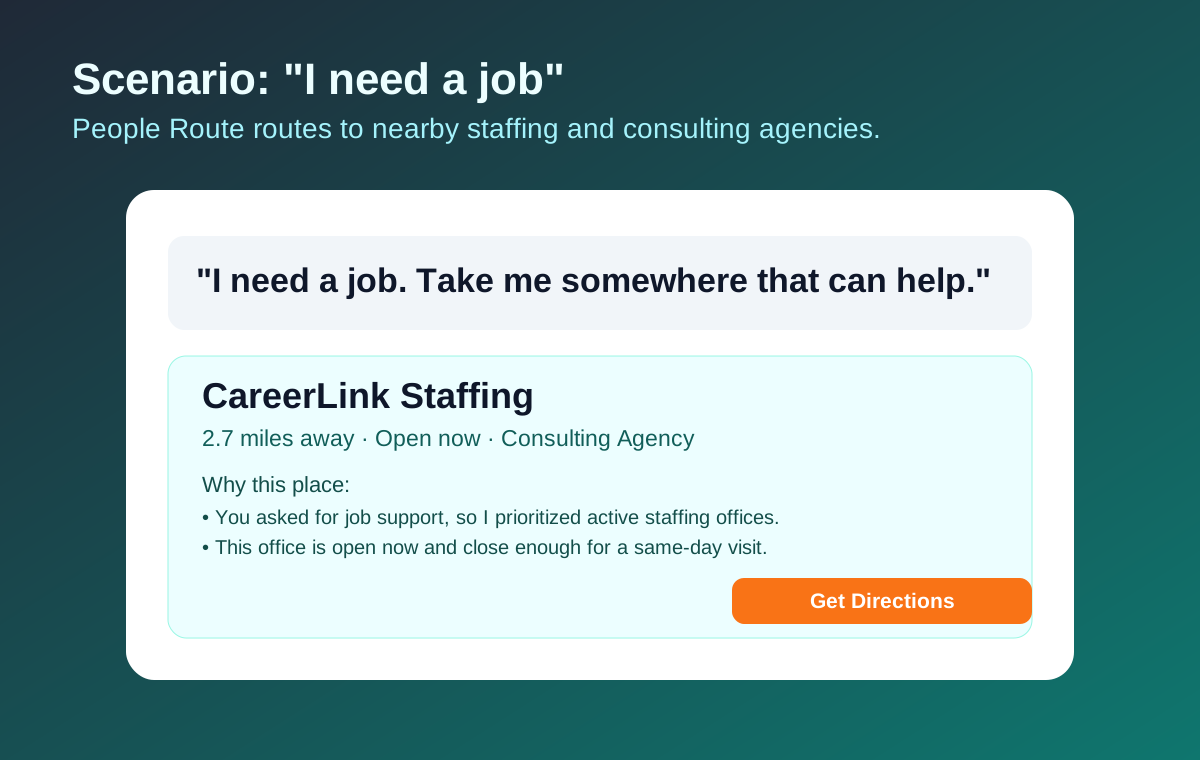
When someone says they need a job, People Route prioritizes consulting and staffing agencies instead of unrelated venues.
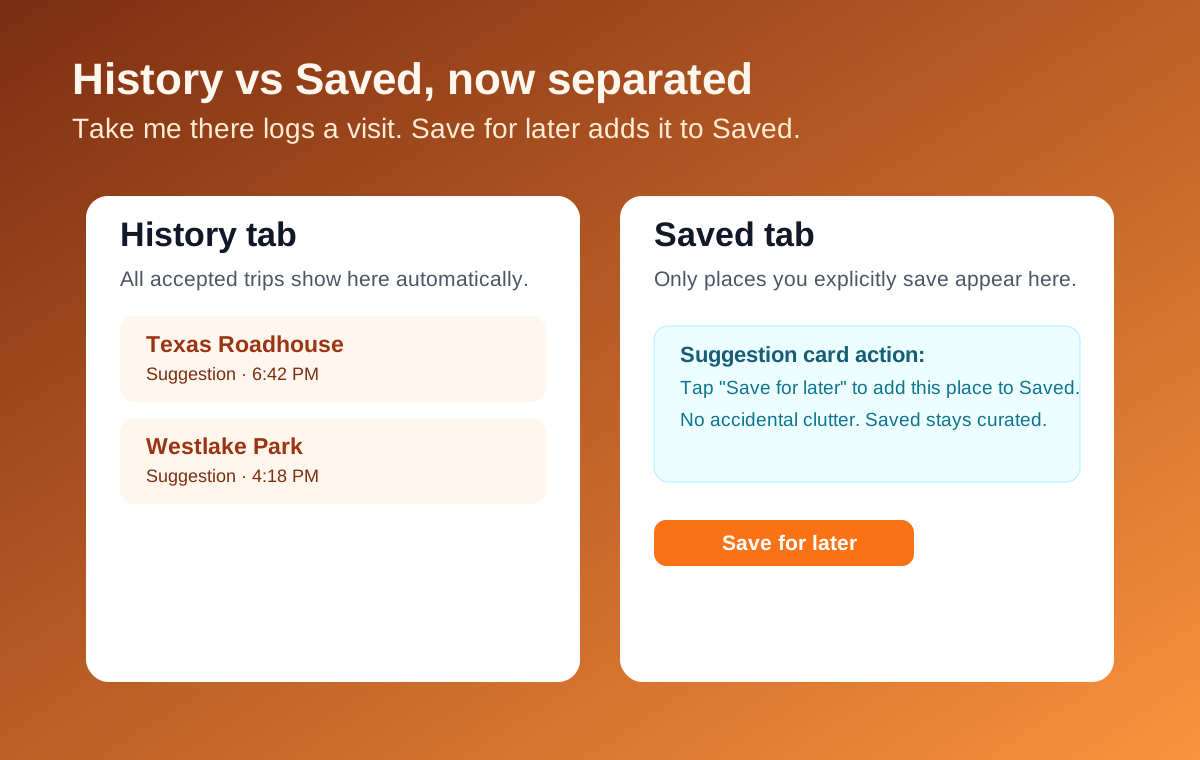
Accepted trips are logged in History; Saved is explicit and user-curated with Save for later or manual add.
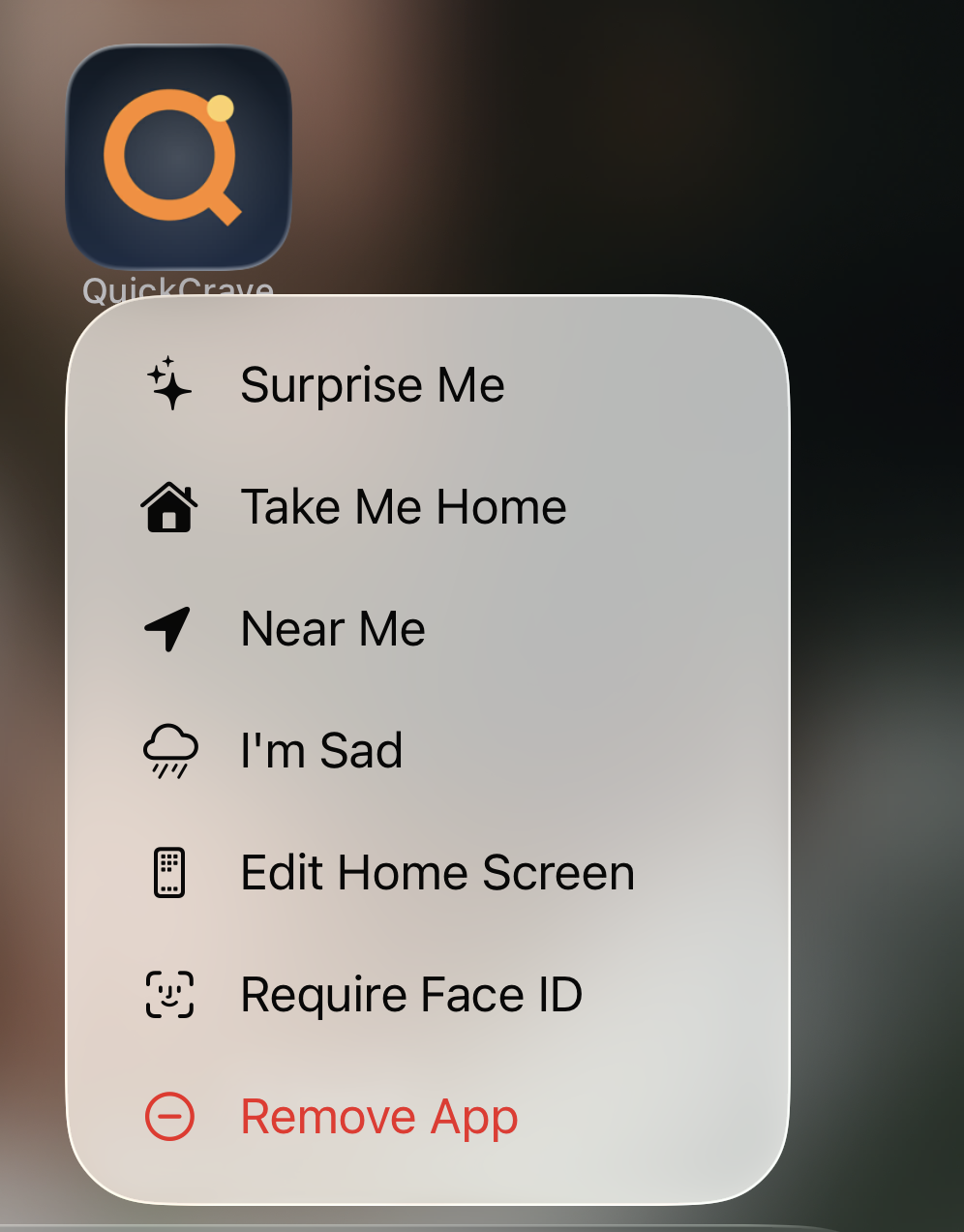
Hands-free ready
People Route integrates with Siri so you can start an adventure without touching your phone. Say requests with the app name, like “using the People Route app,” so Siri runs People Route directly.
Works with FollowFollow
Already using FollowFollow to track reminders and locations? People Route reads them directly.
.ff file from AirDrop, Files, or email to import a placeSimple pricing
Every plan includes full access to all features. You only pay for more monthly destination requests.
Subscriptions auto-renew. Cancel anytime in iOS Settings. Prices are in USD.
Download People Route free and start your next adventure today.
📲 Download on the App Store